If your Bird Buddy isn't taking pictures, the most common causes are the device being in Sleep or Off-grid mode, a lost Wi-Fi connection, a full storage card, or an app setting that's quietly pausing captures. During Birdbuddy’s postcard creation process, the proximity sensor triggers a postcard session, and then Birdbuddy enters a cooldown phase after each session proximity sensor to trigger a postcard session and then enters a cooldown phase after each session. Most of these are fixable in under five minutes once you know where to look.
Why Is My Bird Buddy Not Taking Pictures? Fix It Fast

Marcus Chen
26 Apr 2026
First, figure out exactly what's not working
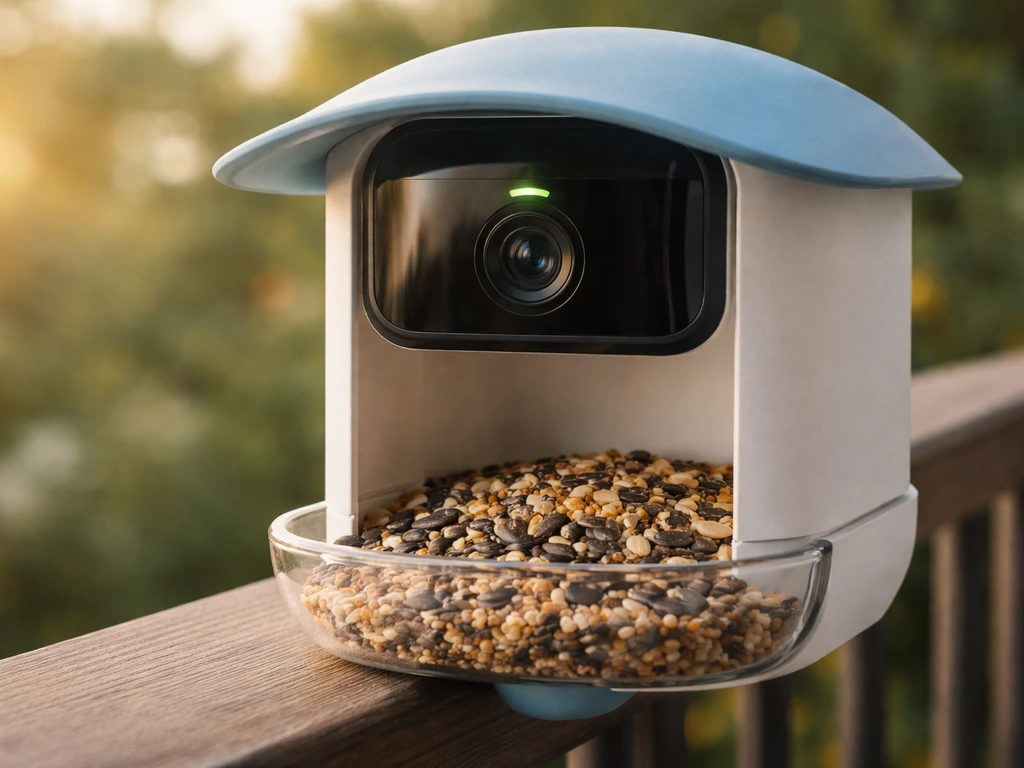
Before you start changing settings, it helps to be specific about the symptom. "Not taking pictures" can mean a few different things, and each one points to a different cause.
- No photos or postcards at all, even though birds are clearly visiting
- You're getting notifications but no actual images attached
- The live view works fine in the app, but no captures are being saved
- No notifications AND no photos AND the feeder looks active
- The app shows the device as Offline, Sleeping, or Out of Feeder
Open the Bird Buddy app and go to your Feeder settings. The status shown there tells you a lot right away. If it says "Ready for birds," the device thinks it's operational. If it says "Sleeping," the device is in its normal overnight rest mode and won't take any photos until sunrise. If it says "Offline," there's a connectivity problem. And if it says "Out of Feeder," the camera module has been physically removed or isn't seated properly.
Check power, storage, and camera status first
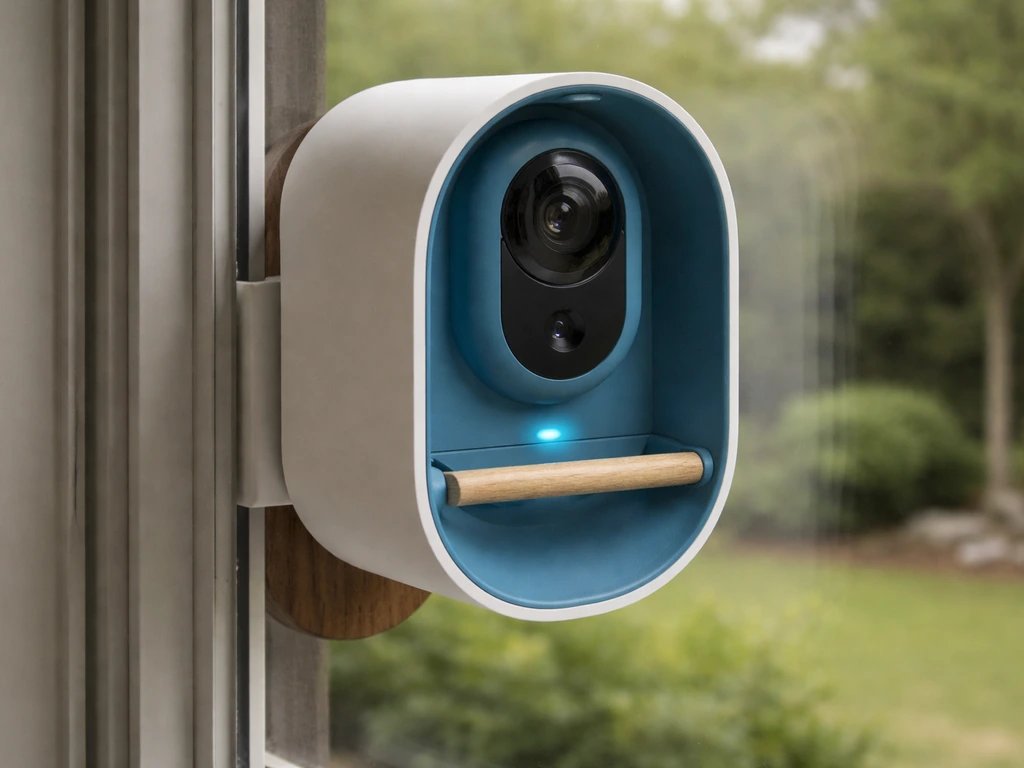
These are the fastest things to rule out, and they're responsible for a huge percentage of "not taking pictures" complaints.
Battery and charging
A low battery doesn't always shut the Bird Buddy down completely, but it can cause it to stop capturing images while still appearing to be on. Check the battery level in the app. If it's below about 20%, charge it fully before troubleshooting anything else. Some users find the device starts behaving oddly well before a complete shutdown, so a low battery is always worth ruling out first.
Storage and SD card
If internal storage or your SD card is full, Bird Buddy will stop saving new photos. Check the storage status in the app's feeder settings. If storage is maxed out, you'll need to either delete old postcards or offload them before new captures can happen. It's a surprisingly easy thing to miss, especially if you've been collecting photos for a while without clearing them out.
Camera module seating
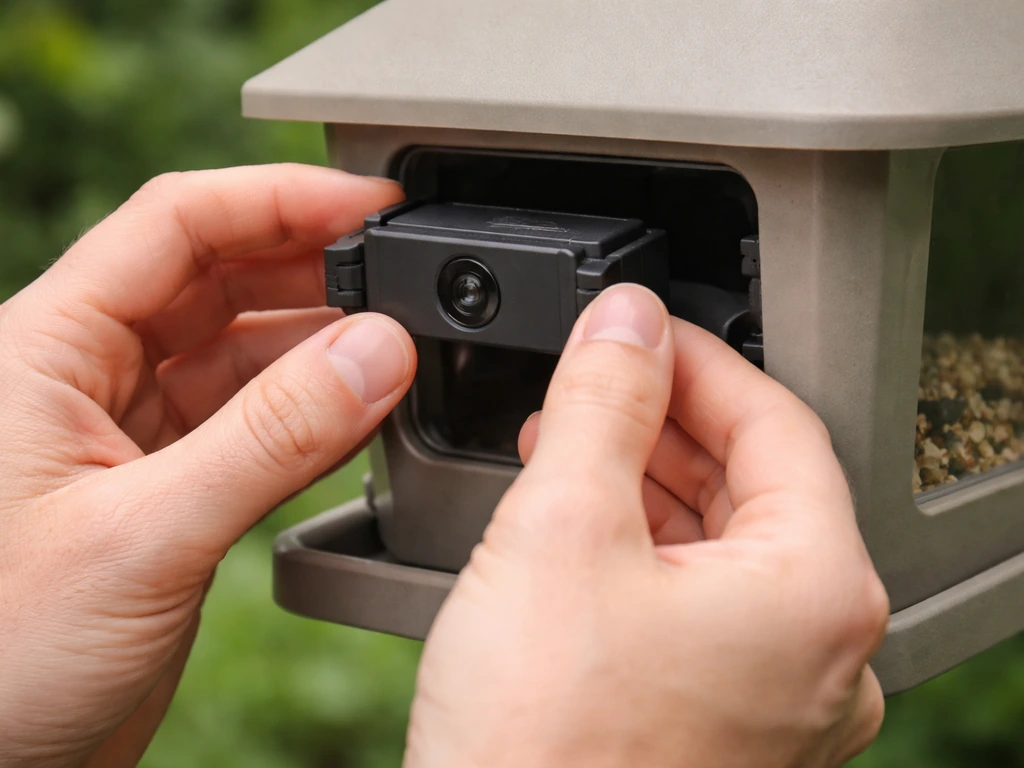
The camera module in Bird Buddy is removable, and if it's not clicked in firmly, the feeder won't function correctly. Take it out and reseat it. You should feel it lock into place. If the app was showing "Out of Feeder" status, this is almost certainly the fix.
App settings that quietly stop captures
This is where most people get tripped up. The Bird Buddy app has several settings that can limit or completely stop photo captures, and it's easy to turn one on by accident.
Deep Sleep Mode
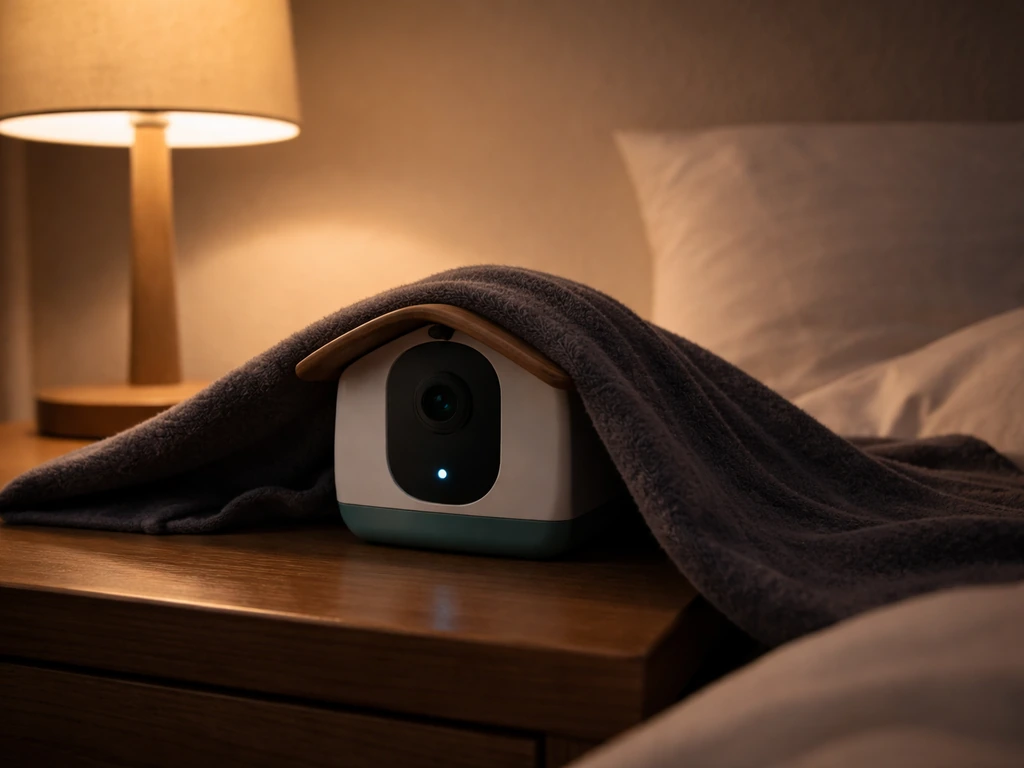
When Deep Sleep Mode is active, Bird Buddy will not take postcards and cannot stream. The device status in the app shows as "Sleeping." This mode is designed for overnight use, roughly sunset to just before sunrise, so if you're checking during the day and seeing this, it may have been manually enabled. If your Bird Buddy is showing Sleeping during daylight hours, check whether Deep Sleep Mode or a scheduled overnight rest setting is enabled. Go into your feeder settings and check whether Deep Sleep is scheduled or toggled on, and disable it if it's running during hours you want captures.
Off-Grid Mode
Off-Grid Mode is a setting that intentionally disables photo capture and postcard delivery during a specific time window you define. If you enabled this at some point and forgot about it, Bird Buddy will silently not take any pictures during those hours. Check your feeder settings for Off-Grid Mode and either disable it or adjust the time window. Check your feeder settings for Off-Grid Mode and either disable it or adjust the time window Off-Grid Mode intentionally disables photo capture and postcard delivery during the enabled time window.
Notification and capture toggles
Bird Buddy's notification settings include three options: Smart push notifications (the default, which sends alerts based on activity patterns), All push notifications, and Pause Notification. If you have notifications paused, you won't receive alerts, but photos may still be saving. That's worth checking because it's a common source of confusion. It can feel like the device isn't working when really you just aren't getting pinged about it. Go into the app's notification settings and confirm which mode is active.
Motion detection sensitivity and capture frequency
If motion detection sensitivity is set too low, small or quick bird movements might not trigger a capture. Similarly, if your capture frequency is set to a low value, you might miss visits entirely. Go into your feeder's camera settings and bump the sensitivity up a notch. Test it by waving your hand in front of the feeder and seeing if it registers.
Connectivity and account issues
A lost connection is one of the most common reasons Bird Buddy stops capturing, and it can happen quietly without any obvious warning on the device itself. If you are troubleshooting a bird scooter, the same basic checks for power, storage, and connectivity can also help explain why your bird scooter not working. If you are seeing an Offline status in the app, that usually points to connectivity trouble, which is a good next comparison to how do i know if my bird buddy is on.
Wi-Fi signal and pairing
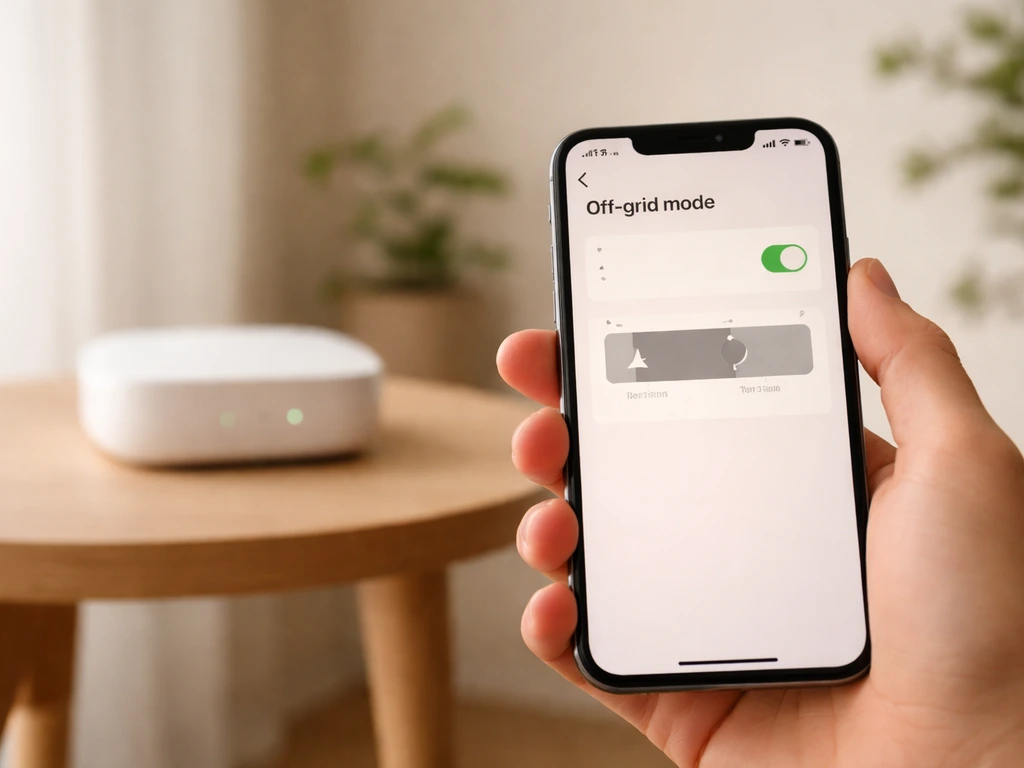
If the Feeder Settings page shows "Offline," it means the camera module has lost communication with your Wi-Fi access point. This can happen after a router restart, a network password change, or if the feeder has drifted too far from your router. Check that your Wi-Fi is on the 2.4 GHz band (Bird Buddy doesn't support 5 GHz), and check your signal strength at the feeder's location. A weak signal causes intermittent disconnections that look exactly like "not taking pictures." If you recently changed your Wi-Fi password or router, you'll need to re-pair the device through the app.
Bluetooth pairing
Bluetooth is used during the initial setup and for some configuration tasks. If you're trying to re-pair or reset the device, make sure Bluetooth is enabled on your phone and that you're within a few feet of the feeder. If pairing keeps failing, restarting both your phone and the Bird Buddy module often clears the issue.
App permissions
On both iOS and Android, the Bird Buddy app needs certain permissions to function properly, including notifications and in some cases local network access. Go into your phone's settings, find the Bird Buddy app, and confirm that notifications and any local network permissions are enabled. A denied permission can cause the app to appear to work while silently blocking functionality.
Account sync
Sometimes the app gets out of sync with the device. Log out of your Bird Buddy account in the app and log back in. This forces a fresh sync and often resolves situations where the app shows incorrect status information or stops displaying new photos even though the feeder is running.
Placement, lighting, and what your bird is actually doing
Even a perfectly functional Bird Buddy won't take good photos if the feeder is placed badly or if conditions at the feeder aren't triggering the camera correctly.
Lighting and glare
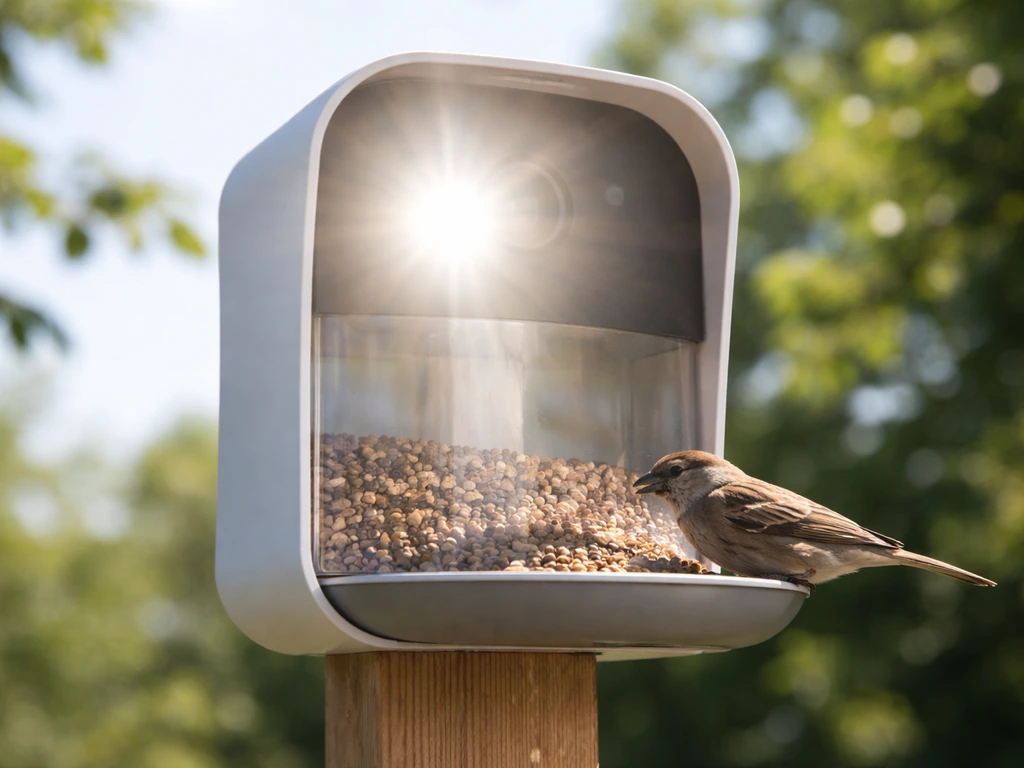
Direct sunlight hitting the camera lens causes glare that can wash out images or prevent the camera from detecting motion cleanly. If your feeder is in full sun during peak bird hours, try repositioning it so the camera faces away from the direct light source. Conversely, placing the feeder in a very dark or deeply shaded area can prevent the camera from triggering at low-light thresholds. Aim for bright but indirect light on the camera side.
Cage coverage and obstructions
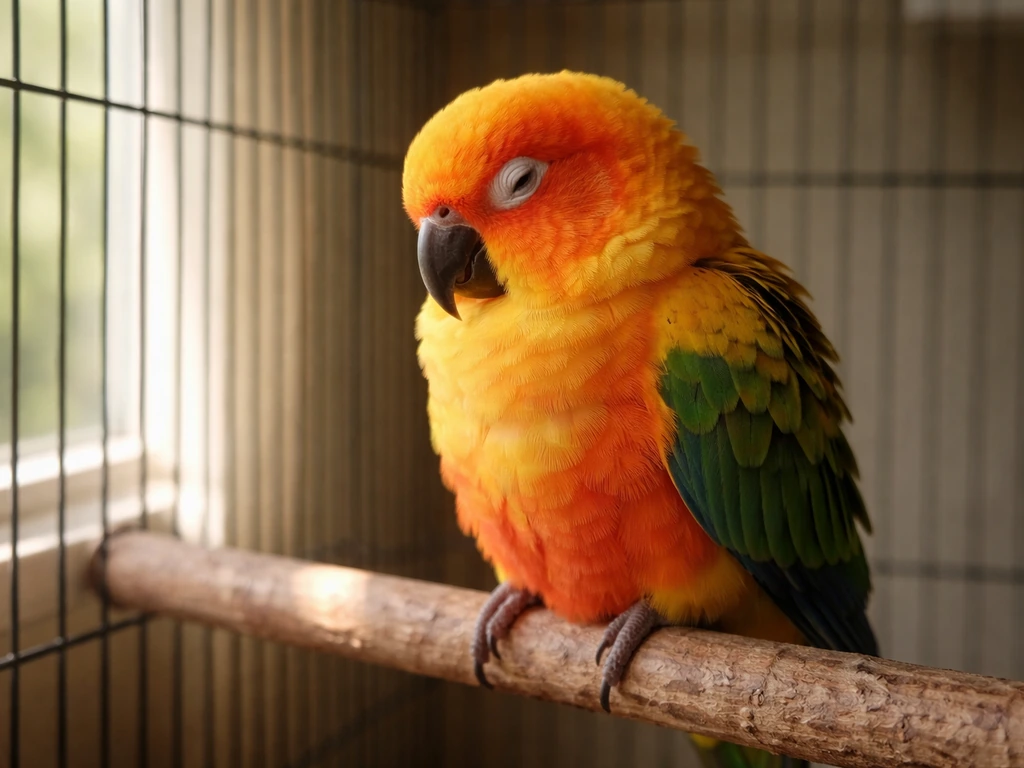
If you're using Bird Buddy to monitor a bird inside a cage, bars, mesh, or cage covers can interfere with motion detection. The camera may not be able to see movement clearly through a wire grid, and reflective cage surfaces can cause false readings or missed triggers. Position the camera module so it has a clear, unobstructed line of sight to where your bird spends most of its time.
Angle and distance
The camera has an optimal detection zone. If it's angled too high, too low, or too far from where birds perch, it may miss most activity. Check the live view in the app while a bird is at the feeder and see where they appear in the frame. Ideally the bird should be centered and close enough that motion detection can trigger reliably.
Bird activity and behavior
If bird visits have dropped off, the camera isn't malfunctioning, your birds just aren't showing up. This can happen seasonally, after a feeder location change, or if the food supply has run out. It's worth checking the live view at peak hours (usually early morning) to confirm whether birds are actually visiting. If your pet bird seems unusually inactive or is sleeping more than normal during the day, that's worth paying attention to as a separate concern from the camera issue itself.
Reset steps, firmware, and app updates
If you've checked everything above and still aren't getting photos, a reset or update is the next logical step.
- Check for firmware updates: Open the Bird Buddy app, go to feeder settings, and look for a firmware update prompt. Outdated firmware is a known cause of camera and connectivity issues.
- Update the Bird Buddy app: Go to the App Store or Google Play and confirm you're running the latest version. App bugs that affect capture functionality are often patched in updates.
- Restart the device: Power the Bird Buddy off and back on. For a soft restart, remove and reinsert the camera module.
- Re-pair via the app: If restarting doesn't help, go through the pairing process again from the app's setup menu. This re-establishes the full connection between the module and your network.
- Factory reset (last resort): If all else fails, a factory reset clears any corrupted settings. Check the Bird Buddy support documentation for the specific reset procedure for your model, since it varies slightly.
After any reset or update, give the device 10 to 15 minutes to fully initialize and reconnect before judging whether it's working. It sometimes takes a few minutes for the status to switch from Sleeping or Offline to Ready for birds.
A quick comparison of the most common causes
| Symptom in app | Most likely cause | Quick fix |
|---|---|---|
| Status: Sleeping | Deep Sleep Mode or nighttime schedule | Check Deep Sleep settings, disable if daytime |
| Status: Offline | Wi-Fi disconnection or signal issue | Check router, re-pair on 2.4 GHz |
| Status: Out of Feeder | Camera module unseated | Remove and firmly reseat the module |
| Status: Ready, but no photos | Off-Grid Mode, full storage, or low motion sensitivity | Check Off-Grid Mode, clear storage, raise sensitivity |
| Notifications paused | Pause Notification setting active | Change notification setting to Smart or All |
| Live view works, no saves | Storage full or SD card issue | Free up storage or reformat SD card |
When to contact Bird Buddy support
If you've worked through all of the steps above and Bird Buddy is still not taking pictures, it's time to reach out to Bird Buddy's support team directly. If you’ve worked through the basic power, storage, and camera checks but your device still seems sluggish, this guide on why is my bird scooter slow can help you compare the likely causes and next steps. If you are dealing with a bird scooter that will not turn on or capture, these same troubleshooting checks can help you pinpoint the cause why is my bird scooter not working. Before you contact them, gather the following information so the conversation moves faster:
- Your Bird Buddy model and firmware version (found in app feeder settings)
- Your app version and phone operating system (iOS or Android, and version number)
- A description of the exact symptom and when it started
- Screenshots of your feeder status, storage status, and any relevant settings screens
- A log of what troubleshooting steps you've already tried
- Whether the issue is constant or intermittent, and if intermittent, the approximate times it happens
Hardware faults like a failed camera sensor or a defective module are rare but do happen, and only Bird Buddy support can help you with a warranty replacement or repair. If you're still under warranty, don't spend too long troubleshooting a hardware problem yourself. Get a support ticket open sooner rather than later.
One more thing worth noting: if Bird Buddy is set up to monitor a pet bird and that bird has been unusually still, sleeping a lot during the day, or simply less active than normal, the camera may be working perfectly while your bird's behavior is the actual variable. A bird that's not moving much won't trigger motion detection reliably. If you're noticing that kind of low-activity pattern in your bird alongside the camera issue, it's worth paying attention to whether your bird seems healthy and behaving normally, separate from the device troubleshooting. If your little live pets bird not working concern is really about low movement or sleeping more than usual, double-check that your bird is healthy and active enough to trigger motion detection.
FAQ
How can I tell whether Bird Buddy is not taking photos or the app is not showing them?
First check the feeder status in the app. If it shows Ready for birds or Sleeping, the device is at least functioning, then compare that with storage usage. If storage is not increasing, captures are not happening. If storage is increasing but you see no new postcards in the app, try logging out and back in to resync, and make sure the app is not paused from receiving updates.
Why does my Bird Buddy look online in the app, but my postcards stop coming?
If the feeder status is not Offline, the issue is often a capture limitation rather than Wi-Fi. Check Off-Grid Mode and Deep Sleep schedule for overlapping time windows, then verify that your capture frequency and motion sensitivity are not set so low that brief visits do not trigger a postcard.
Do I need to clear storage every time it fills up, or can Bird Buddy overwrite old photos?
In most cases, Bird Buddy stops saving new postcards when storage is full, it does not reliably overwrite older ones. You will typically need to delete old postcards in the app or offload them so new captures can resume.
My Bird Buddy shows “Sleeping” in the afternoon, does that always mean the device is broken?
No. “Sleeping” during daylight usually means a scheduled Deep Sleep window or a manually enabled Deep Sleep Mode is active. Disable the schedule or toggle off Deep Sleep in feeder settings, then wait about 10 to 15 minutes for the status to update and photos to resume.
What if Bird Buddy is “Ready for birds” but it still misses birds that should trigger it?
Recheck placement and detection, even if all settings look correct. Use live view when a bird is at the feeder, confirm the bird is centered in frame, and ensure the camera module has a clear line of sight (especially if near mesh, wires, or reflective surfaces that reduce motion clarity).
Can low battery cause Bird Buddy to stop capturing without fully shutting down?
Yes. Low battery can lead to a behavior where the device appears powered but photo capture stops. If the battery is under about 20%, charge it fully first, then retest motion capture before changing other settings.
Will Bird Buddy work on 5 GHz Wi-Fi if my router supports it?
Bird Buddy requires 2.4 GHz Wi-Fi. If your home network uses a single combined SSID, make sure the feeder connects to the 2.4 GHz band. If you recently changed router settings or the Wi-Fi password, you may need to re-pair the device in the app.
Why did my connection go Offline after I restarted my router?
A router restart can change network parameters, so the feeder can lose its saved connection and show Offline. Re-pair through the app after the restart, and if you notice intermittent drops, check signal strength at the feeder location because weak 2.4 GHz coverage often causes repeated Offline periods.
If pairing fails after a reset, what is the most common fix?
Make sure Bluetooth is enabled on your phone and that you are within a few feet of the feeder during setup. Also restart both your phone and the Bird Buddy module, then attempt pairing again, since stale pairing states can block successful configuration.
Could my phone settings stop photos from working even though the feeder is fine?
Yes. If notifications or local network permissions are denied for the Bird Buddy app, you may not receive alerts, and the app can appear “stuck” even while the feeder continues capturing. Re-enable the needed permissions in your phone settings, then verify new postcards appear after the app resyncs.
Do notification settings affect photo capture or only alerts?
They can feel confusing, but notifications mostly affect alerts. If Pause Notification is enabled, you might not get told when postcards arrive, even though storage is increasing and photos are being saved. Check storage growth and feeder status to confirm whether captures are actually happening.
How long should I wait after a reset or firmware update before concluding Bird Buddy is still not taking pictures?
Give it 10 to 15 minutes to fully initialize and reconnect. During that window, the app status may still show Sleeping or Offline, so waiting for the status to switch back to Ready for birds helps you avoid restarting troubleshooting prematurely.
Next Article
Why Is My Bird Sleeping During the Day? Causes and Quick Checks
Daytime bird sleep explained with quick at-home checks, red flags, and safe steps to improve comfort and routine.