If your Bird Buddy is showing as offline in the app, the most likely explanation is a connectivity issue between the camera module and your Wi-Fi network, not something wrong with your actual bird. The app reports a device as "Offline" when the camera module stops communicating with your internet access point. That said, there are a few distinct causes worth sorting through quickly, and this guide walks you through all of them in the right order.
Why Is My Bird Buddy Offline? Fix Connectivity Fast

Marcus Chen
17 Apr 2026
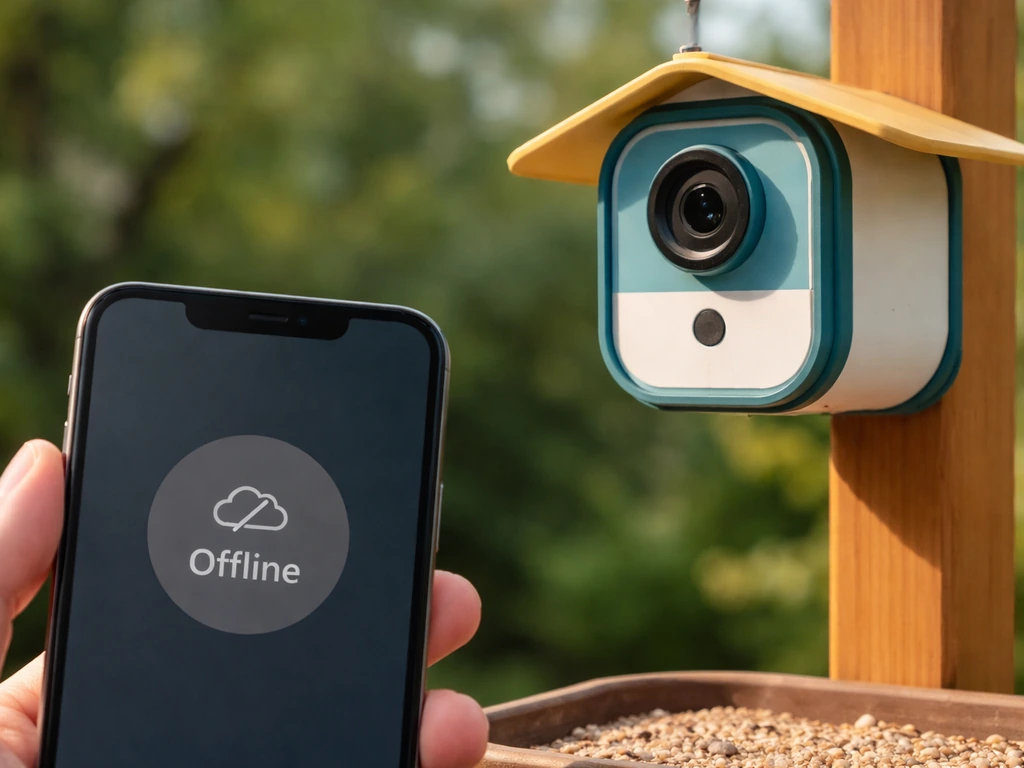
What "bird buddy offline" usually means
The "Offline" status in the Bird Buddy app specifically means the camera module is no longer talking to your network. It's a connectivity label, not a device fault. There are three layers where this can break down: the app itself, the camera module, or the network between them.
- App-side issue: The app hasn't refreshed its status yet and may still be showing stale data.
- Device-side issue: The camera module lost power, ran low on battery, or entered a mode where it stopped broadcasting.
- Network-side issue: Your Wi-Fi router changed, dropped the connection, or the module is out of range.
One important thing to know: Bird Buddy has no local storage. The camera requires an active internet connection to work with the app at all, so even a brief network hiccup will trigger that offline status. There's also a "Sleeping" status, which is different from "Offline." Deep sleep mode activates automatically up to one hour after sunset (based on your feeder location set during pairing) and clears up to one hour before sunrise. If you're checking the app at night or before sunrise, a "Sleeping" label is expected and normal. If you're wondering how to tell if your Bird Buddy is actually on, the easiest real-time check is looking at the LED on the camera module itself.
Quick checks you can do in the next 5 minutes
Before diving into any full troubleshooting flow, run through these fast checks. Most offline situations resolve at this stage.
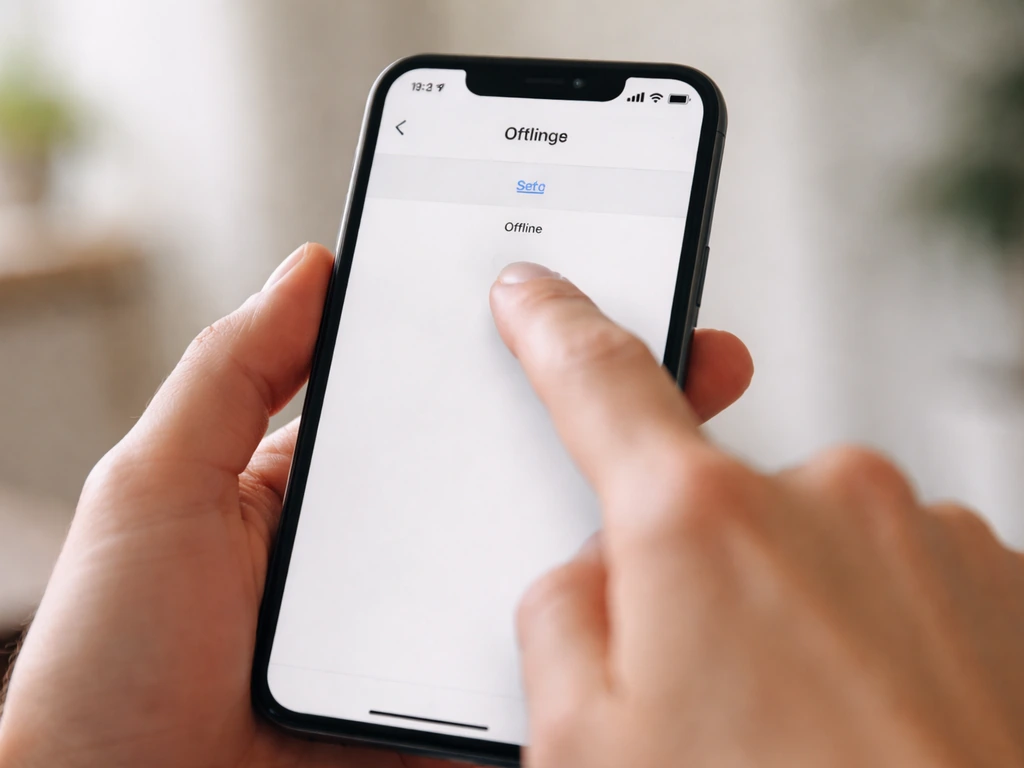
- Swipe down on the Settings screen in the app a few times to force a status refresh. This alone sometimes resolves a stale "Offline" reading.
- Check the battery level: if the device is online, the app's Camera section shows the correct battery percentage. If no battery info appears, the module isn't communicating.
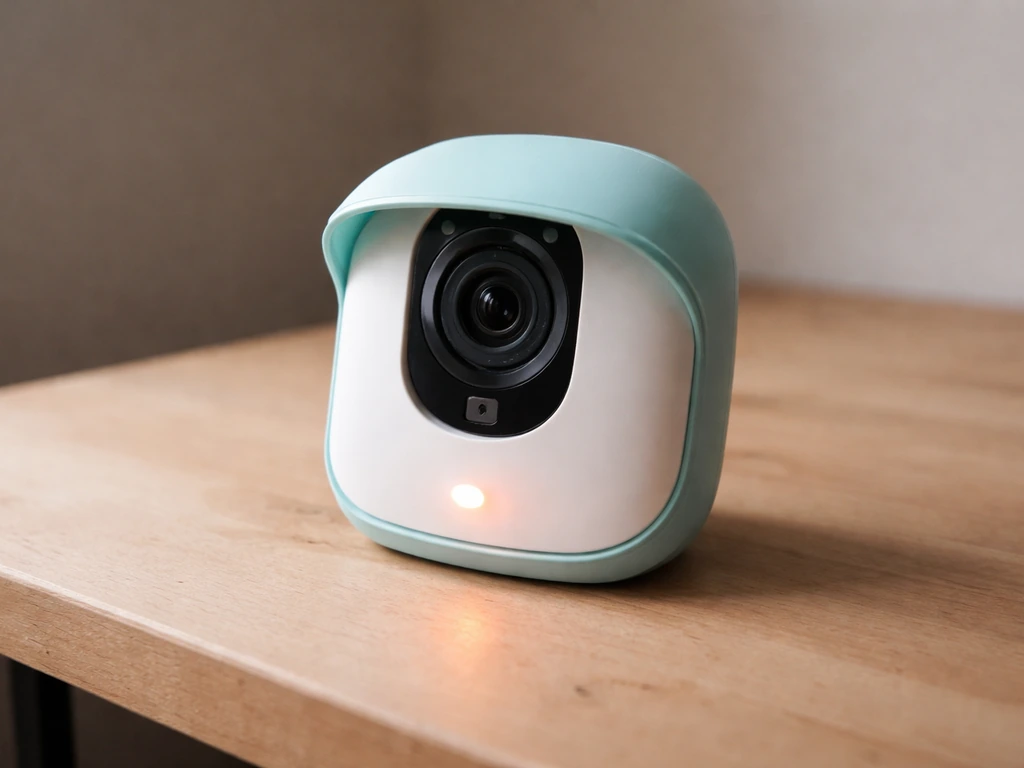
- Look at the LED on the camera module. Orange with 3 rapid blinks means Wi-Fi connection failed. Three rapid blinks followed by the device turning off means battery is critically low. One blink every 8 seconds means it's charging.
- Check that your phone's Wi-Fi is working normally, since an app glitch on your end can also make everything look offline.
- Kill the Bird Buddy app completely and reopen it, especially if you were checking status around sunrise when the device transitions from "Sleeping" back to "Ready for birds."
If the camera module is low on battery, plug it in and give it at least 30 minutes before trying anything else. Birdbuddy's troubleshooting steps for the Birdbuddy 2 include charging the camera module, then trying the pairing process again, and they also describe LED states during readiness for pairing give it at least 30 minutes before trying anything else. A solid green LED means the battery is fully charged. A steady blinking blue LED means the device is ready for pairing, which would tell you it has power but needs to be reconnected to your network.
The most common reasons it goes offline
Understanding the cause helps you pick the right fix. Here are the scenarios that come up most often.
Router or Wi-Fi network changes
Bird Buddy only works on a 2.4GHz Wi-Fi band and requires WPA2 security. It does not support 5GHz networks, and WPA3 is explicitly not supported. If your router was updated, reset, or replaced, or if you changed your Wi-Fi password, the module loses its connection immediately. On dual-band or mesh routers, you may need to create a separate 2.4GHz network with its own SSID so the module can connect to the right band specifically.
Firmware or app update issues
Over-the-air firmware updates can occasionally disrupt connectivity. If an update fails midway, you may need to go through a reset and re-pair flow. One known hiccup: "Error 25" occurs when you try to update while the device is in deep sleep mode, since it treats sleep as a "busy" state. App updates on your phone can also sometimes cause a temporary mismatch that shows the device as offline until the app fully syncs.
Device sleep and timeout behavior
Deep sleep is automatic, not a malfunction. The module won't take photos or stream during sleep, and the app will show "Sleeping" rather than "Offline." However, if the module fails to wake up properly after sunrise, it can appear offline in the app. A quick app refresh or restart usually clears this up.
Signal range problems
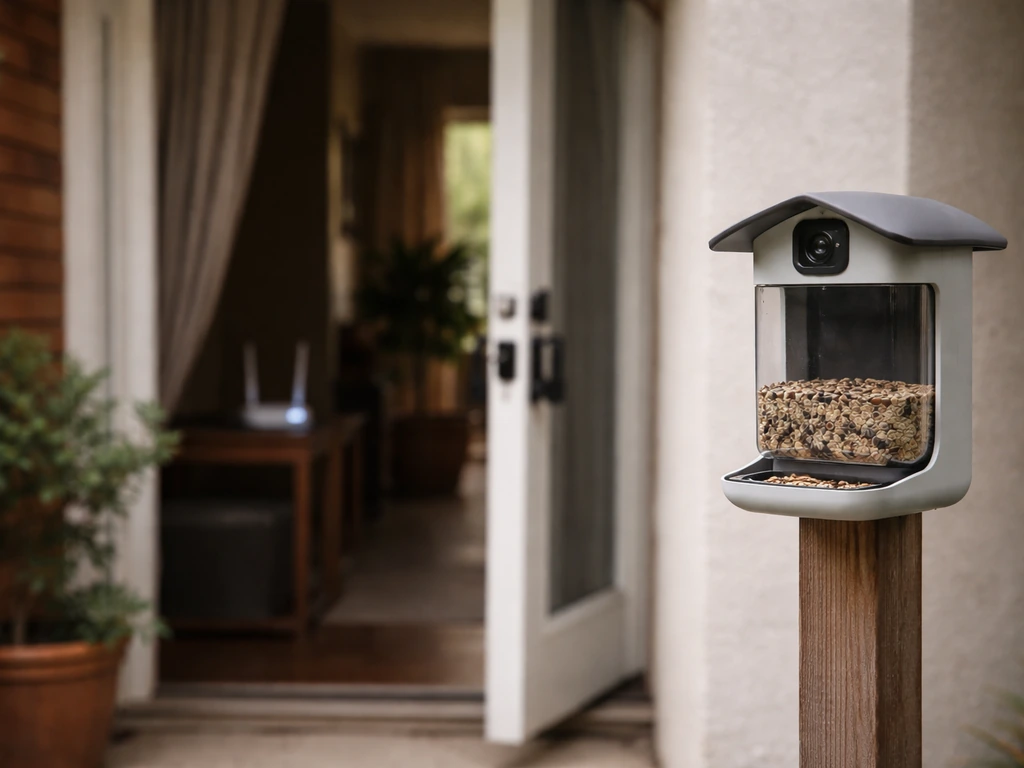
If your feeder is positioned far from your router, the 2.4GHz signal may be too weak for a reliable connection. Walls, interference from other devices, and distance all contribute. The Bird Buddy pairing instructions specifically advise moving closer to your router if the app can't find the camera during setup, which gives you a clue about how sensitive the connection can be.
Step-by-step: how to get it back online
Work through these steps in order. Don't skip ahead to a factory reset until you've tried the earlier steps.
- Refresh the app status: Open the app, go to Settings, and swipe down several times to force a status update.
- Power cycle the camera module: Press and hold the button for 2 seconds until you see solid red, then release to turn it off. Wait at least one full minute.
- Reboot your router: Unplug it, wait 30 seconds, and plug it back in. Let it fully reconnect before powering the camera back on.
- Power the camera module back on: Press the button for 1 second until you see solid green for about 3 seconds. Watch the LED for the white steady blink (Wi-Fi connection pending) followed by normal status.
- Check Wi-Fi band and security settings: Confirm your router is broadcasting a 2.4GHz band with WPA2. If you're on a dual-band router, the module may need a dedicated 2.4GHz SSID.
- Move the feeder or router closer temporarily: If signal is the issue, test by placing the camera module closer to the router and checking if the offline status clears.
- Re-pair the device if it still won't connect: Charge the camera module fully (2 to 4 hours), go to the Cameras section in the app, and open the feeder's settings by clicking on its name. Follow the in-app re-pairing flow. Do not try to pair through your phone's Bluetooth settings menu. Remove "BUDDY" from your phone's Bluetooth device list first if it appears there.
A note on Bluetooth during this process: Bird Buddy uses Bluetooth only to provision the Wi-Fi connection during pairing. Once connected to Wi-Fi, Bluetooth disconnects automatically, which is normal. If you're re-pairing after a network change, the app's in-app flow handles the Bluetooth handshake for you. When re-pairing, make sure Bluetooth permissions are granted to the Bird Buddy app on your phone.
Last resort: factory reset
If re-pairing through the app doesn't resolve the issue, a factory reset is the next step. Press and hold the button until you see solid red, then blinking red, then solid red again. Do not release the button while it's blinking red or the reset won't complete. After a successful reset, the module turns on briefly with a green LED and then blinks blue, indicating it's ready to pair from scratch. Then run the full in-app pairing flow to reconnect. Be aware that after a failed firmware update, you may also find the feeder's module removed from your account, which means you'll need to re-add it through the app.
Is your bird itself the problem? Sorting tech issues from health red flags
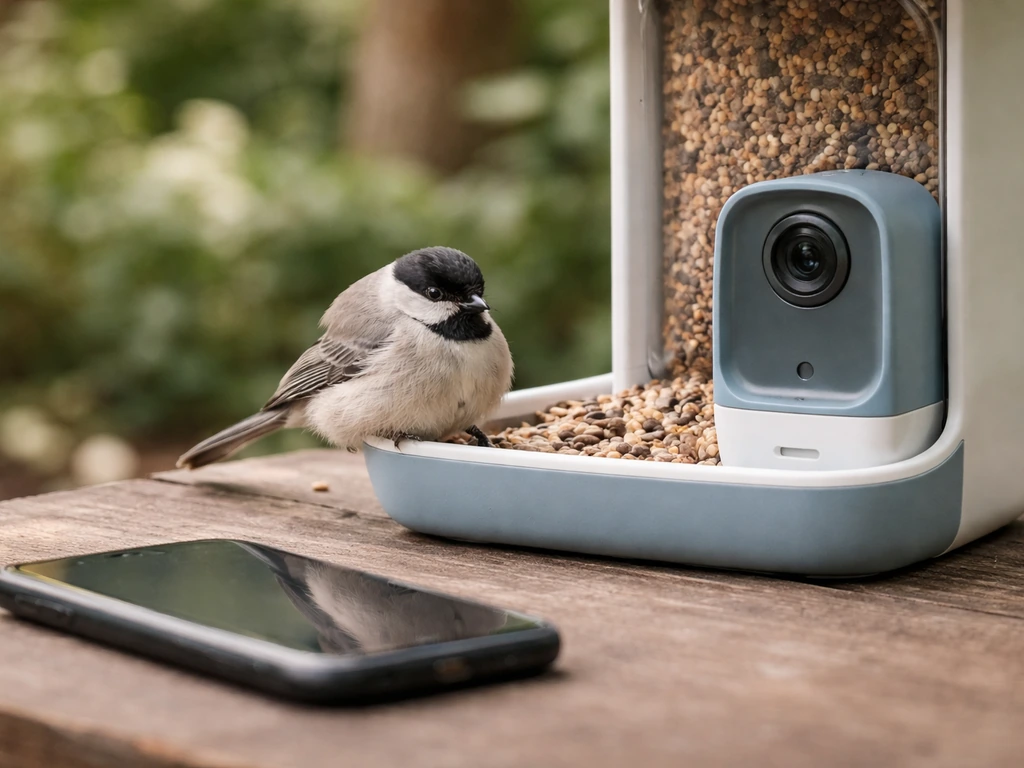
Most of the time, "Bird Buddy offline" is 100% a tech issue. If you are only seeing speed or performance problems, rather than an “offline” message in the app, you can also look into why is my bird scooter slow as a related consideration. But if you searched this phrase because you noticed your bird seems off in addition to the app showing a problem, that's worth pausing on. There's an important difference between a device connectivity issue and a bird that's actually unwell.
If your bird is lethargic, fluffed up, sitting at the bottom of the cage, or not eating, those are behavioral signs that go beyond any app status. Birds naturally hide illness until it becomes serious, so changes in activity level are meaningful. A bird that's sleeping during the day more than usual can be an early sign of something worth monitoring closely.
Respiratory signs are the most urgent red flags. Open-mouth breathing, labored breathing, or tail bobbing with each breath are all indicators of a potential emergency in birds. These require contacting an avian vet, not rebooting an app. The device being offline has nothing to do with these symptoms, but if both things are happening at the same time, focus on your bird first.
| Situation | Likely Cause | What to Do |
|---|---|---|
| App shows "Offline," bird is active and eating normally | Connectivity or power issue with the camera module | Follow the tech troubleshooting steps above |
| App shows "Sleeping" at night or before sunrise | Normal deep sleep mode behavior | Refresh app after sunrise; no action needed |
| App shows "Offline," bird seems lethargic or fluffed | Possibly unrelated; monitor bird closely | Troubleshoot device AND watch your bird for other symptoms |
| Bird has open-mouth breathing or tail bobbing | Potential avian health emergency | Contact an avian vet immediately, regardless of app status |
It's also worth being clear about what the Bird Buddy camera is and isn't: it's a feeder camera designed for watching wild birds visit, not a health monitor for pet birds inside. If you use it near pet birds or simply associate the app with your bird care routine, an offline status in the app tells you nothing about your pet's actual health. Trust what you see in the bird, not what an app reports.
When to contact Bird Buddy support or consider a replacement
If you've power cycled, checked your network settings, re-paired, and done a factory reset and the device still shows offline, the issue is likely hardware. Here's how to decide what to do next.
- Contact Bird Buddy support if the device won't respond to factory reset, won't pair, or shows no LED behavior at all. Their team can run remote diagnostics on your account and camera module.
- Check your warranty: if the device was defective on delivery or doesn't work as intended, you may be entitled to a free replacement under Bird Buddy's warranty policy. Have your order details ready when you reach out.
- Consider hardware failure if the LED shows no response to button presses after a full charge and the above steps haven't worked. Physical damage, water ingress, or a failed component can all cause a permanent offline state.
- If you've recently switched accounts or connected to a new network, remember you must go through the full Bluetooth pairing and Wi-Fi provisioning flow again. This isn't a bug but an intentional requirement.
While you're waiting for support or a replacement, you can still use the Bird Buddy app in a limited way. But keep in mind that without the camera module connected, you won't receive any postcards or be able to live stream. This is similar to what happens in Off-grid mode, where the camera simply doesn't send photos or alerts during that time.
One thing that sometimes trips people up in this situation: if the offline problem started right after trying to update firmware, check whether the feeder module is still associated with your account. A failed firmware update can remove the device association, meaning you'd need to re-add it through the app as if it were a new device. If you're also dealing with an unrelated camera issue like Bird Buddy not taking pictures once you do get back online, that's a separate issue worth addressing after connectivity is restored.
If you use other smart bird-related devices alongside your Bird Buddy and are having broader device issues, you might find the troubleshooting patterns familiar. For example, Little Live Pets bird not working issues and bird scooter not working problems often trace back to similar root causes like power, connectivity, or firmware, even though they're completely different products. And if your Bird Buddy comes back online but feels sluggish to respond, that can sometimes be related to signal strength, much like the way a bird scooter running slow often points to a hardware or battery resource issue rather than a software bug.
What to do right now
Start with the 5-minute checks: refresh the app, check the LED, and confirm battery level. If the module is out of power or the LED is signaling a Wi-Fi failure, you know exactly what to tackle first. Work through power cycling and router reboot before anything else. Re-pair only if the simple reboot doesn't resolve it, and save the factory reset for last. If none of that works and the device won't respond, contact Bird Buddy support with your device details and a description of the LED behavior you're seeing. And if your bird itself seems unwell, set the app aside and focus on getting your bird checked by an avian vet.
FAQ
How can I tell if Bird Buddy is offline because of Wi-Fi vs an app problem?
“Offline” means the camera module is not reaching your Wi-Fi network, not that the app can’t display the feed. If the app is stuck on Offline but the module LED shows green (charged) and pairing-ready blue behavior, refresh the app and wait a couple minutes for status sync before assuming a network outage.
Could “offline” be something normal like deep sleep?
Yes. If the device is in deep sleep, the app should show “Sleeping,” and the camera will not send photos or streams until it wakes. Check the time window relative to your feeder location (up to an hour after sunset, and back up by about an hour before sunrise) to avoid chasing a normal sleep state.
What should I check if pairing fails to reconnect after a router change?
If Bluetooth is off or you deny Bluetooth permissions, the phone may not be able to provision Wi-Fi during the pairing flow. Confirm Bluetooth permissions are granted for the Bird Buddy app, then re-run the in-app pairing steps rather than forcing a re-pair from the phone settings menu.
My router supports both 2.4GHz and 5GHz, how do I ensure my Bird Buddy connects to the right one?
For Bird Buddy, use a dedicated 2.4GHz SSID when available, and make sure the network uses WPA2. If your router band-steering combines 2.4 and 5 into one SSID, temporarily disable steering or create a separate 2.4GHz-only network so the module can lock onto the correct band.
Why did my Bird Buddy show offline right after I updated the Bird Buddy app (or my phone)?
App updates on your phone can temporarily cause a mismatch where the camera still hasn’t fully re-synced its connection state. Restart the app, then log out and back in only if refresh doesn’t change the status, and give it a few minutes after the phone update.
Could low battery cause “Offline,” and how long should I charge before retrying?
On battery-powered modules, the app can show Offline when the camera can’t maintain reliable connectivity. Plug it in, wait at least 30 minutes, then verify the LED is solid green for a full charge before repeating the Wi-Fi or reset steps.
I tried updating firmware and now it says offline, could my device have been removed from my account?
If an over-the-air firmware update failed, the module can end up removed from your account. After it comes back online, check whether the feeder is still associated; if not, you’ll need to add it again through the in-app device add flow.
During reconnection, should Bluetooth stay connected or is a disconnect normal?
If you’re re-pairing after a network change, Bluetooth is only needed to provision Wi-Fi during pairing. After the module connects, Bluetooth should disconnect by itself, so don’t treat a Bluetooth disconnect as a connectivity failure.
At what point should I stop troubleshooting and contact Bird Buddy support?
If the module won’t associate even after reboot, re-pair, and a successful reset, treat it as likely hardware. Before contacting support, record the LED sequence you see (solid green, steady blinking blue, solid red, blinking red) and whether the problem began after a firmware update.
My bird seems unwell too, does an Offline device status explain that?
If your bird shows lethargy, fluffed posture, not eating, or respiratory distress signs, ignore the device status and get an avian vet involved. An Offline camera can overlap with real illness timing, but it does not explain urgent symptoms like open-mouth breathing or labored breathing.
Next Article
Why Is My Bird Making Whimpering Noises? What to Check
Find reasons for whimpering bird noises, quick home checks, and red flags for urgent vet care plus tracking tips.